

A first-time guest hears about your church from a neighbour on Tuesday. By Tuesday night, they have typed your name into Google. What they find in the next thirty seconds decides whether they show up on Sunday.
That moment is the heart of digital marketing for churches. It is not about gimmicks or going viral. It is about making sure that when someone looks for you, they find a warm, clear and current welcome. This guide covers what to set up, in what order, and how a small team can do it without burning out.
What digital marketing for churches actually means
Digital marketing is simply the set of online places where people find you and hear from you: Google, your website, social media, email and, sometimes, paid ads. For a church, the goal is not sales. It is hospitality: helping people find you, feel welcome and take a next step.
That framing keeps you honest. Growth serves the mission; it is not a scoreboard. If a tactic makes your church look less like itself, skip it.
Start with the front door, not the megaphone
Most churches reach for social media first. But the first stop for a curious visitor is usually a search for your church name. Fix these before posting anything new:
- Google Business Profile. Claim it, confirm your address and service times, add recent photos and a short description. Update it for holidays.
- A simple website page for visitors. Service times, address, parking, what to expect, what to wear and what happens with kids. Keep it above the fold on a phone.
- Consistent details everywhere. The times on Google, Facebook and your website should match.

Our post on what first-time visitors learn from your social media walks through what guests notice first.
Which channel does what
You do not need every channel. Pick the jobs that matter to your church and match them to the right tool.
| Channel | Best job | Time per week | Free tools |
|---|---|---|---|
| Google Business Profile | Be found by people searching nearby | 15 minutes | Google Business Profile |
| Website | Answer a guest's questions | 30 minutes | Your site builder |
| Facebook and Instagram | Show your community and share events | 60-90 minutes | Meta Business Suite, Canva |
| Keep members informed and invited | 30-45 minutes | ChurchConnect | |
| Short video | Give a taste of Sunday | 60 minutes | CapCut, your phone |
| Paid ads | Reach neighbours who do not follow you | 30 minutes | Meta Ads Manager |
Treat the time column as a starting estimate. Your own rhythm will vary.
Social media: show up with a rhythm
Social media is where members and neighbours see your church's everyday life. The aim is a steady rhythm rather than a daily scramble.
A rhythm a volunteer can keep
- Two or three posts a week is plenty for most small teams.
- Rotate between a welcome or invitation, a story from your community, and a practical post such as an event reminder.
- Batch the work. One 90-minute block a week beats five anxious ten-minute scrambles.
If you are carrying this load yourself, how to run church social media with 90 minutes a week breaks it down, and church Facebook post ideas gives you a weekly pattern to borrow.
A sample invitation caption
We would love to meet you this Sunday. Doors open at 9:30, coffee is on, and there is a place for your kids. Come as you are.
Plain, kind and specific. That is the standard.
Email: your most reliable channel
Social platforms change their algorithms. Your email list does not. A short weekly note to members and regular guests, with service times, one story and one invitation, builds a habit that you control.
Keep it simple: one subject line, one main message, one link. If you need a place to start, ChurchConnect is Faithful Reach's free email communication service for churches.
Paid ads: useful, but not first
Paid ads can help you reach neighbours who have never heard of you, for example when promoting a Christmas Eve service or a community event. But ads work best once your Google profile, website and social pages are ready to receive visitors. Our look at organic growth versus paid ads explains how to decide, and the Christmas Eve promotion plan shows a concrete timeline.
If the holidays are on your mind, you can get the free Advent & Christmas Social Media Kit to have posts planned for you.
A four-week starter plan
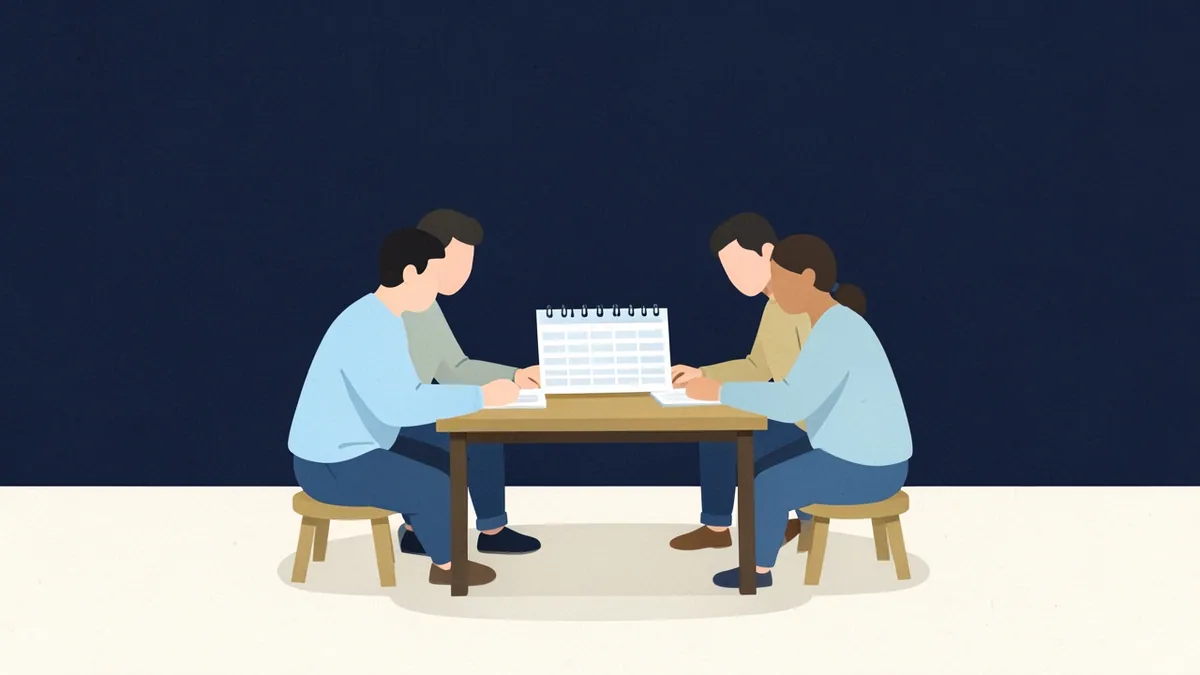
Week 1: Be findable
Claim or update your Google Business Profile. Check that service times match on every platform. Add three current photos.
Week 2: Welcome guests
Write or refresh a "Plan your visit" page. Add a clear link to it in your social bios.
Week 3: Build a rhythm
Pick two posting days. Plan a month of posts in one sitting and schedule them in Meta Business Suite.
Week 4: Start a list and look at the numbers
Send your first short email. Then look at what happened: which posts got replies, how many guests mentioned finding you online. Analytics for ministry shows which numbers matter. A simple question on your connection card, "How did you hear about us?", tells you more than any dashboard.
Frequently asked questions
What is digital marketing for churches?
It is the use of online tools, such as Google, your website, social media, email and ads, to help people find your church, feel welcome and take a next step like visiting on Sunday. The aim is hospitality and connection, not selling anything.
How much should a small church spend on digital marketing?
You can start at no cost: Google Business Profile, a basic website, social media and email tools all have free options. Add a small ad budget later only when your foundations are ready. Spend time first and money second.
Which channel should a church start with?
Start with your Google Business Profile and a clear visitor page on your website, because that is where most guests look first. Then add one social platform your community already uses, and a simple email list.
How do we know if it is working?
Ask new guests how they found you, and watch a few numbers monthly: website visits to your visit page, replies and shares on posts, and email sign-ups. Do not chase follower counts alone.
Keep it faithful, keep it simple
Digital marketing for churches does not have to be complicated. The churches that do it well are usually the ones that stay consistent and kind.
Key takeaways
- Think of it as hospitality, not promotion.
- Fix your Google Business Profile and visitor page before posting more.
- Choose two or three channels and do them steadily.
- Own an email list so you are not dependent on algorithms.
- Ask guests how they found you and let that guide your next step.
You are stewarding a mission, not chasing numbers, and small steady steps add up. Not sure where you stand today? Take the free 3-minute Social Media Audit. And if you would rather have this handled for you, see our plans.